20/10/2026 17:09
Where Does the Ride Link Lead? Telegram Story Links for Cambodian Bicycle-Tour Businesses
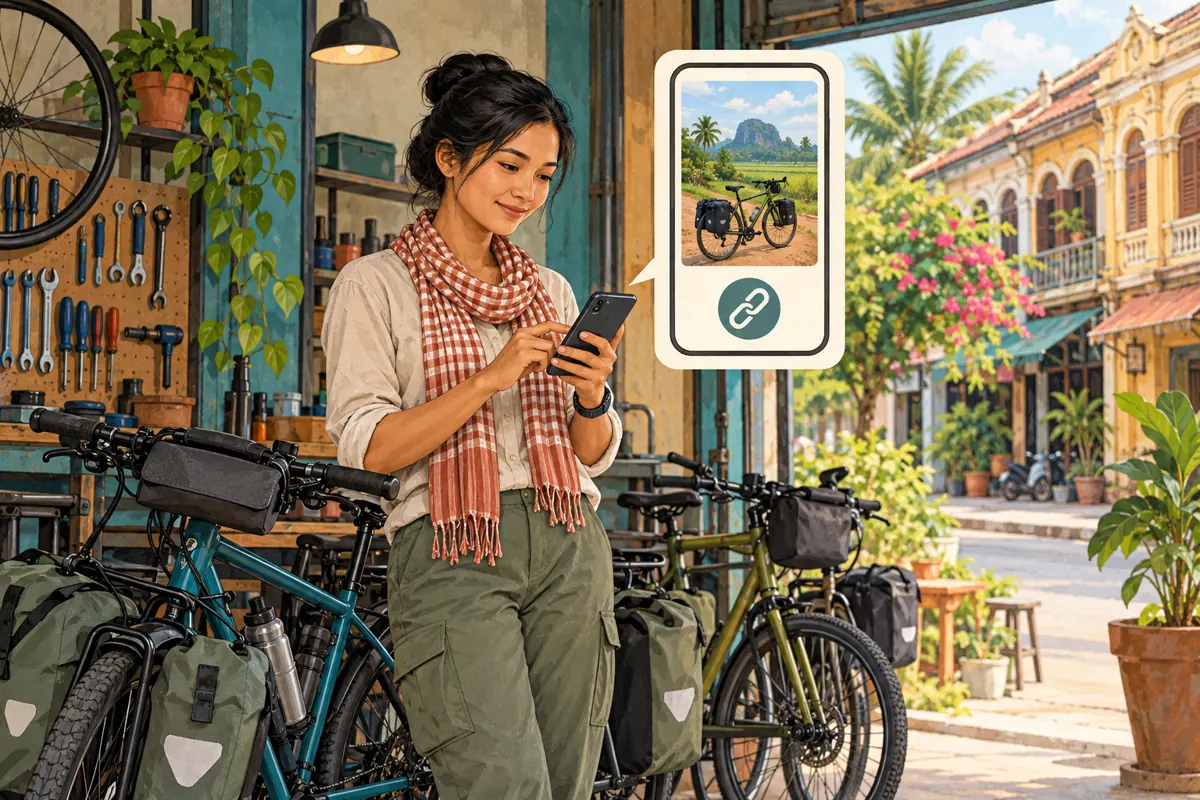
A beautiful cycling clip can leave a potential customer with several unanswered questions: Where does the ride start? How demanding is it? Is a bicycle included? Can someone join on their preferred date? For Cambodian bicycle-tour businesses, the useful next step is often a clearly named link to practical ride information. This guide explains how to prepare that destination, connect it to a Telegram story and test the journey before spending on promotion. It also explains why an SMM panel’s view service cannot establish booking interest. The examples below are hypothetical editorial scenarios, not reports of actual businesses or campaign results.
1. Give the story one job
Start with the question the story should help someone answer. A countryside clip might introduce the setting, while its link answers whether the ride suits the viewer. Avoid asking one story to advertise every route, explain bicycle sizes, collect payments and announce a departure. Choose one useful next action, such as reading the morning ride details. Write that action before selecting the photograph or video.
Consider a hypothetical operator in Battambang offering a guided countryside ride. Its story shows the terrain customers will encounter, and the link leads to a page about that same ride. The page then invites visitors to ask about a date. This creates a manageable sequence: see the experience, understand the offer, ask about availability. A viewer can decide the ride is unsuitable without messaging the team, which is also a useful outcome for both sides.
2. Check the feature on the publishing account
Telegram’s official announcement describes a story link widget for Premium users. It displays a link preview over a photo or video, supports light and dark backgrounds, and allows a custom link name. Telegram’s Stories guide also lists links in captions among Premium features. Check these capabilities on the account that will actually publish, rather than assuming a colleague’s account has the same options.
Prepare the story in the current app and locate the available link control in its editor. Add the destination, review the preview and choose a readable presentation. Interface placement can differ, so verify the available controls before promising a particular layout. This workflow assumes a business representative’s account can publish the story; channel posting eligibility is a separate check. If the necessary feature is unavailable, keep the content as a draft and choose another tested way to share the route information.
3. Build a route page that earns the tap
The destination should answer practical questions near the top. Identify the route, departure area, expected duration, terrain and how customers should request availability. Explain what the operator provides and what riders should bring. Where prices appear, state the currency and charging basis clearly, together with inclusions and exclusions. A visitor should not have to infer whether a displayed amount covers one rider, a group or bicycle rental alone.
For Cambodian audiences, consider the languages customers actually use when enquiring. A Khmer explanation and an English version may serve different readers, but both should describe the same offer. Use a recognizable meeting landmark alongside a checked map reference. Explain how the business handles weather-related changes without promising that every departure will operate. Keep the page lightweight enough to read on a phone, and place the enquiry contact where visitors can find it after reviewing the essential information.
4. Make the link label match the destination
A custom link name should describe the next screen honestly. In the hypothetical Battambang example, “Morning ride details” fits an information page. “Ask about a departure” fits a contact destination. “Book your place” is misleading if the visitor merely opens a general description and still needs an availability check. Choose wording that reflects the action someone can actually complete after tapping.
Keep the image, caption and destination aligned. If the photo shows a quiet country lane but the advertised route includes busy road sections, explain those conditions prominently. Do not let attractive scenery imply an easier route than the operator provides. Use footage from the relevant experience when available, with permission from recognizable participants. Position the link where it remains easy to notice without hiding the terrain or bicycle details that help viewers understand the offer.
5. Test the entire journey as a visitor
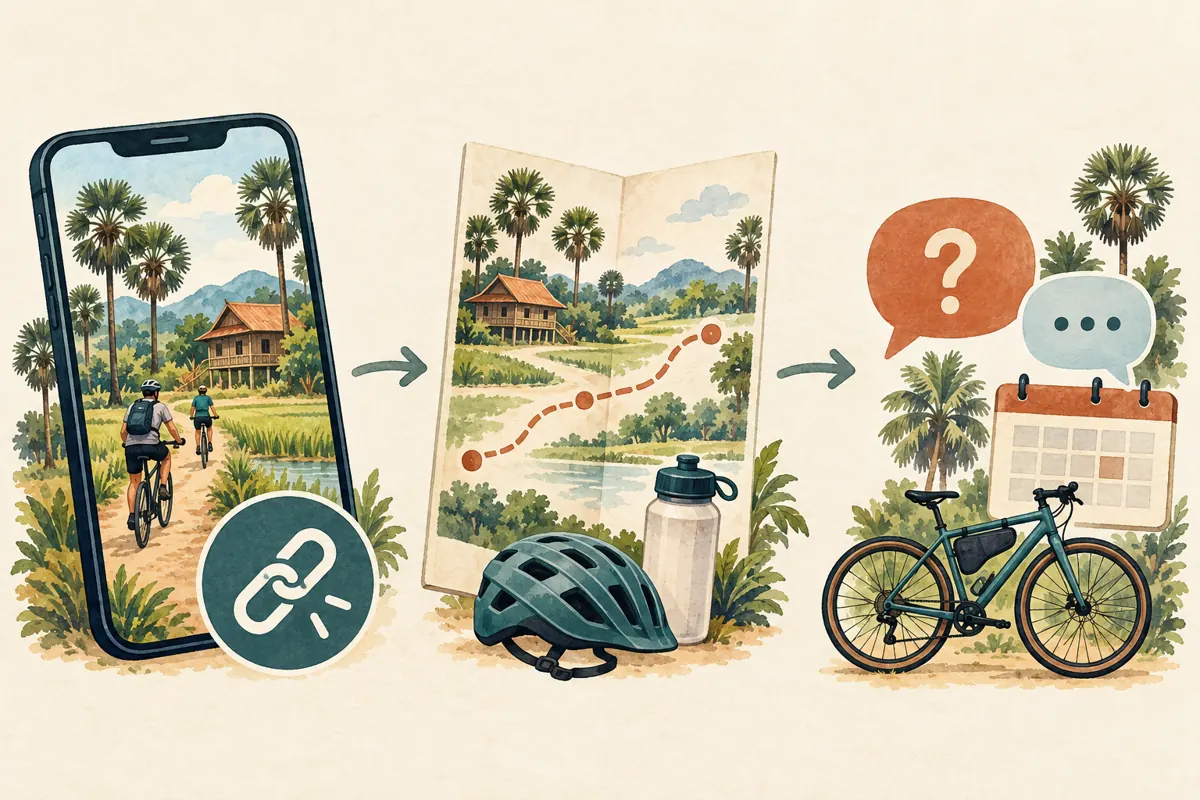
Previewing the story on the publishing phone is only the first check. Ask a colleague to open it through an account included in the intended audience, tap the link and describe what appears. Test the actual story link, not just a separately copied destination address. Confirm that it opens the public route information rather than an editing screen, expired document or page requiring staff access.
Continue through the enquiry step. Check that the contact belongs to the business and that any form accepts a normal availability question without demanding unnecessary personal details. On a phone, examine whether the route name, meeting information and contact action remain readable. Try the journey on a mobile connection as well as office Wi-Fi when practical. Record the destination checked and any correction needed. Repeat the affected check after fixing a problem; a corrected draft alone does not establish that the live visitor journey works.
6. Match visibility and timing to the offer
Telegram’s Stories guide describes audience settings and the option to retain stories on a profile. Review both before posting. A public offer needs visibility appropriate to its intended audience, while a private familiarization ride may need a restricted audience. Check the final selection deliberately rather than relying on whatever setting the account used previously.
Decide whether the story promotes an enduring route guide or a specific departure. An enduring guide can remain useful if someone maintains its destination. A dated departure needs a clear review point when enquiries close or availability changes. Assign a staff member to update the page and review any story still visible on the profile. If a ride fills, the destination should say so before inviting another request. Do not silently redirect an old route link to an unrelated excursion merely to keep receiving enquiries.
7. Check the service type before considering panel spending
The supplied smm-best.com catalogue includes the exact public name “Telegram - Premium views - [ MIXED COUNTRY ]”. Its description is empty. The title indicates a views-related listing, but the supplied information does not establish story compatibility, link clicks, audience location, genuine interest or any booking outcome. It also does not establish that buying this service enables Telegram Premium features on the operator’s account.
If assessing that listing, first establish the accepted target type and documented conditions. A service intended for one Telegram surface should not be assumed to support another. Do not submit a story URL merely because the service name mentions Telegram. Check applicable platform rules and decline services that conflict with them. Purchased engagement is not evidence of Cambodian users, sales or official advertising delivery. For this workflow, improving the destination and responding to genuine enquiries may be more useful than purchasing a higher visible count.
8. Define a useful enquiry and a confirmed booking separately
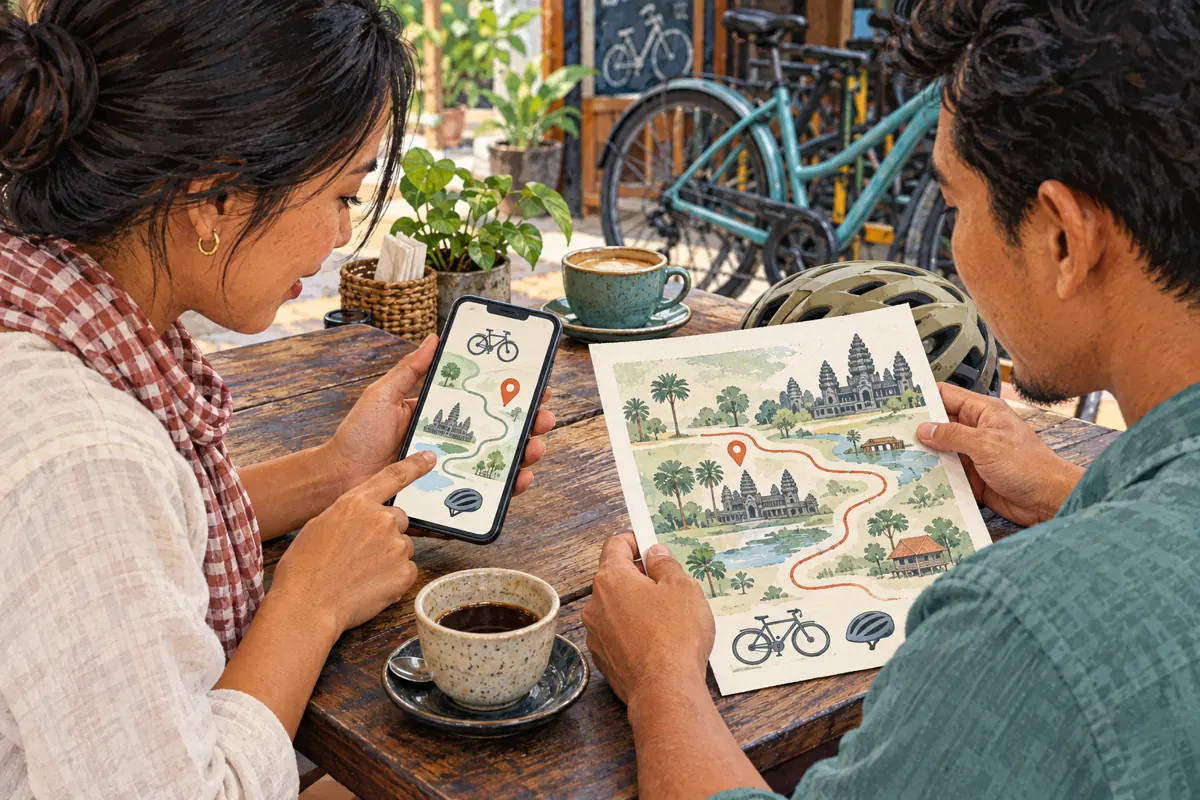
A useful first enquiry identifies the ride, preferred date and party size. Those details help staff check availability without asking the customer to repeat the entire request. If bicycle fit matters, explain what information the team needs and collect it privately through the normal booking process. Avoid requesting identity documents or detailed personal information simply to answer whether a departure is available.
In a hypothetical conversation, a viewer asks whether two people can join the morning ride next Saturday. That is an enquiry. Staff then check guide availability and suitable bicycles, explain the terms and confirm the agreed arrangement through the business’s normal process. Only then should the record move to the appropriate confirmed status. A story reaction, link visit or unfinished form should not reserve equipment automatically. Make this distinction explicit so different staff members give customers consistent answers.
9. Review evidence without inventing attribution
Keep separate records for content activity, genuine enquiries and confirmed bookings. Where the destination provides visit information, label it according to what the system actually measures. Do not assume Telegram supplies a link-click report simply because a story has view statistics. A page visit may come from a forwarded link or another source, and one person may visit more than once.
An optional “Where did you find this ride?” question can add context, although answers are self-reported and incomplete. Record uncertainty instead of assigning every booking during the campaign to the story. If panel activity occurred, keep its order history distinct from customer behaviour. Look for actionable patterns: repeated questions about the meeting point suggest a page clarification; enquiries about a different route suggest confusing creative. These observations can guide the next edit without claiming that a particular view caused a sale.
10. Fix the common failure before making another story
Several mistakes create avoidable work. A generic homepage forces visitors to find the advertised ride again. A dramatic image paired with vague details attracts questions the page should answer. A contact link to a personal account can leave enquiries stranded when that employee is unavailable. Correct the specific obstacle before producing more promotional material, and give one person responsibility for keeping the route destination current.
Another common mistake is changing several things at once and then attributing any difference to the new link label. Revise one important element where practical, keep a simple note of the change and review the next genuine conversations. Small enquiry volumes do not support confident performance claims. The practical decision is whether customers understand the route and can reach the right person. Continue with the story when that journey works; pause promotion when the destination, availability or response process is unreliable.

Frequently asked questions
Does the story link widget require Telegram Premium?
Telegram’s official announcement identifies the link widget as a Premium feature. Confirm access on the publishing account before planning the story. A catalogue service containing the word “Premium” does not establish that it provides a Telegram subscription or unlocks publishing features.
Should the link open a route page or a chat?
Use a route page when visitors need to assess terrain, timing, inclusions and meeting arrangements before asking. A chat destination can suit a narrowly defined availability question when essential details are already clear. Name the link accordingly and test where it opens.
Can a views service bring Cambodian bicycle-tour customers?
The supplied service information does not establish that outcome. Views do not prove local audience origin, travel intent, link clicks or bookings. Evaluate actual customer conversations and confirmed arrangements separately, and never present purchased engagement as evidence of customer demand.
What should happen when the promoted departure fills?
Update the destination promptly, review the visible story and stop inviting requests as though places remain available. If offering another date, label it clearly and let the customer choose. Keep any existing enquiries attached to the departure they originally asked about.
What if people open the page but still ask basic questions?
Collect the recurring questions and inspect where their answers appear. The meeting point may be buried, the charging basis unclear or the route description too vague. Improve those specific details, then review later conversations. Visits alone cannot explain why someone did not enquire.
Explore the current service catalogue, create an account, or ask a specific question through support tickets.
- Telegram: Mini App Bar, Paid Media, Story Search & More — Link Widget in Stories
- Telegram Stories — Official Feature Guide
Prepared with AI assistance. Illustrations explain the workflow and do not represent customer results.